


Halloween is not just a seasonal opportunity for costumes, decorations, and parties. It can also be a great time to refresh your website, promote special offers, and create a more engaging experience for your visitors.
Whether you run an online store, a service business, a restaurant, a blog, or a creative website, a few seasonal changes can make your website feel more relevant to Halloween without requiring a complete redesign.
If you are also looking for tools, themes, and plugins to help with your Halloween campaign, check out our Best WordPress Halloween Deals roundup to find seasonal offers worth considering.
The good news is that you do not need a Halloween-specific theme to create a Halloween WordPress website. With a flexible WordPress theme, ready-made templates, and the right design tools, you can transform an existing website into a seasonal experience in much less time.
In this guide, we will look at practical Halloween website ideas, what makes a good Halloween website, and how you can create one with WordPress using Phlox as your starting point.
What Makes a Good Halloween WordPress Website?
A good Halloween website does more than add pumpkins and spooky colors to a homepage. The design should support what you actually want visitors to do.
For an online store, that might mean discovering Halloween products and special offers. For a service business, it could mean promoting a seasonal campaign. For a restaurant, it could be a Halloween menu or event.
A successful Halloween WordPress website usually combines a few important elements:
- A seasonal visual style that still fits your brand
- A clear Halloween offer or message
- A strong hero section
- Seasonal banners or promotional sections
- Easy-to-find calls to action
- Product or service showcases
- A dedicated Halloween landing page when needed
- Mobile-friendly layouts
- Fast and easy customization
You also do not have to change every page of your website. In many cases, updating your homepage, creating a dedicated campaign page, and adding a few promotional elements is enough.
The goal is to make the Halloween campaign noticeable without making the website difficult to use.
Halloween Website Ideas for WordPress
If you are wondering how to make a WordPress website for Halloween, start with the parts of your website that have the biggest impact on visitors.
Here are 10 ideas you can use this year.
1. Give Your Website a Halloween Look
One of the easiest Halloween website design ideas for WordPress is to introduce a few seasonal visual elements.
You can use darker backgrounds, orange or purple accents, Halloween-themed illustrations, seasonal product images, custom icons, or decorative elements such as pumpkins, bats, and ghosts.
You do not need to redesign your entire website. Instead, focus on important areas such as the homepage, hero section, promotional banners, and campaign pages.
Keep your regular branding visible so visitors can still recognize your business.
2. Create a Halloween Hero Section
Your hero section is one of the first things visitors see, so it is a natural place to introduce your Halloween campaign.
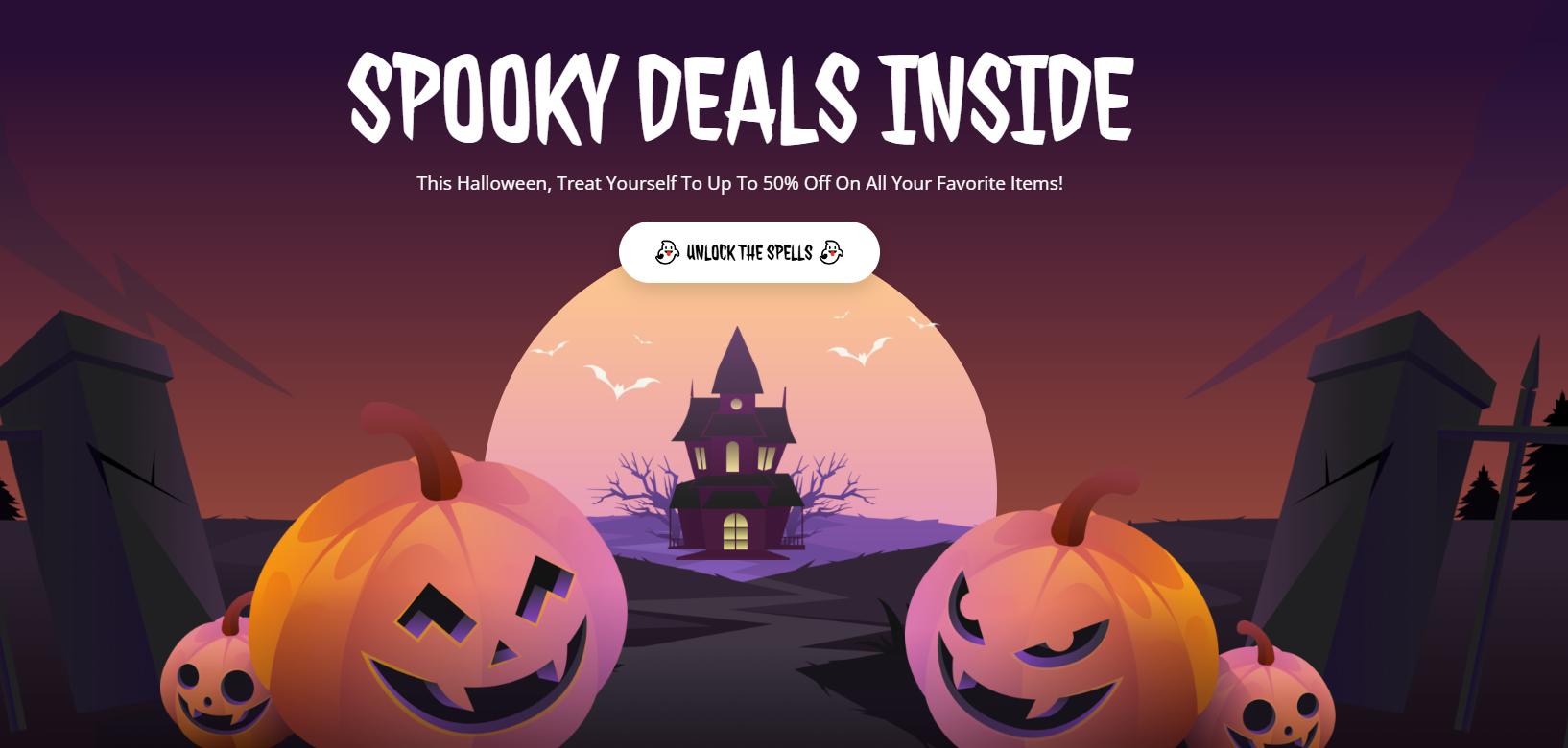
For example, an online store could use a headline such as:
Spooky Deals Are Here
Then add a short message:
Save up to 30% on selected products through October 31.
Finish with a clear CTA such as Shop Halloween Deals or Explore the Collection.
A Halloween hero section can also promote an event, new seasonal products, a limited-time service, or a special announcement.
3. Add a Halloween Banner to Your Website
A seasonal banner can make your campaign visible across important pages without changing the entire website.
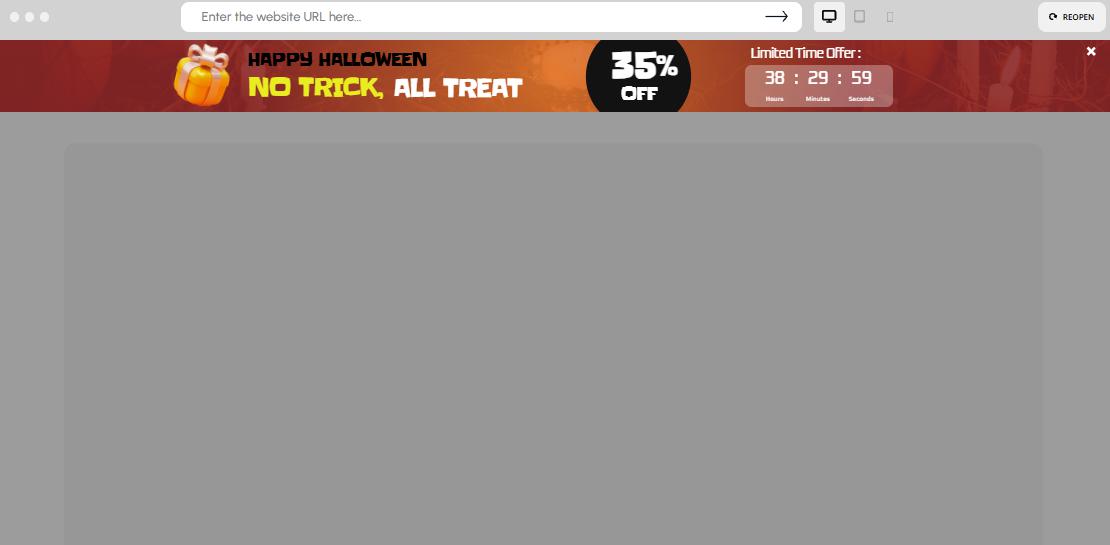
You can use it to promote:
- Halloween discounts
- Free shipping
- New seasonal products
- Limited-time offers
- Halloween events
- Special coupon codes
For example:
Halloween Sale: Get 25% Off Until October 31
A sticky notification bar can work especially well when you want the message to remain visible while visitors browse your website.
4. Create a Halloween Popup
A popup can help you promote an offer or collect leads during your Halloween campaign.
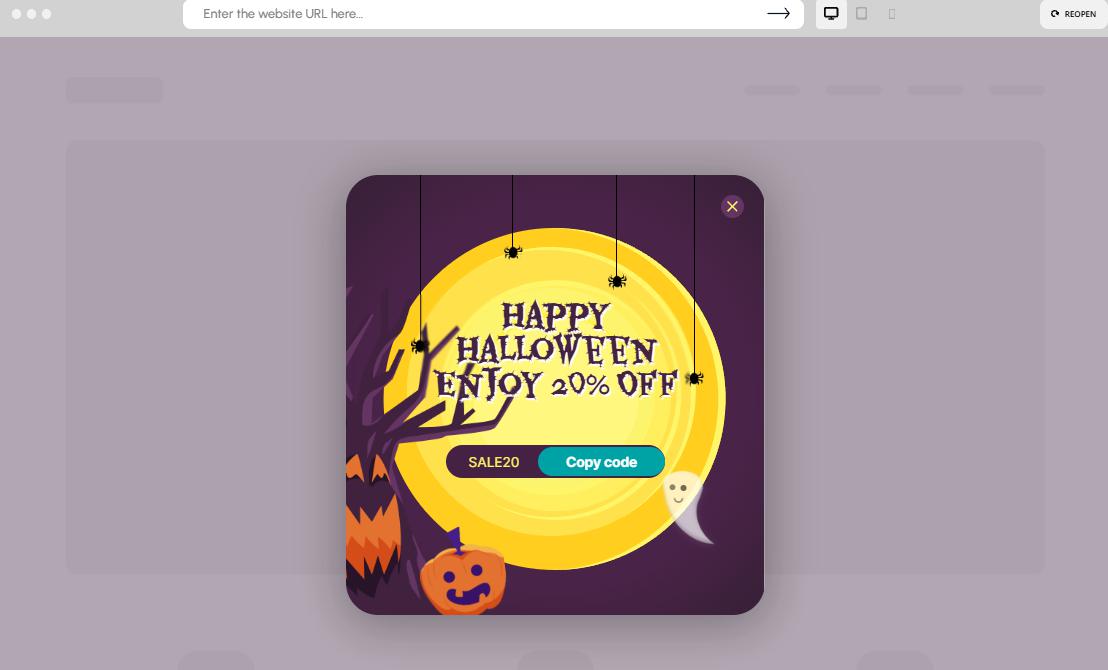
Some useful Halloween popup ideas include:
- Offering a Halloween discount code
- Promoting a limited-time sale
- Collecting email subscribers
- Announcing a new seasonal collection
- Showing a special offer when visitors are about to leave
For example:
Get 20% Off Your Halloween Order
Use code SPOOKY20 before October 31.
The important thing is to give visitors a clear reason to take action rather than showing a popup simply because it is Halloween.
5. Showcase Halloween Products With a Slider or Carousel
If you run an online store, your Halloween campaign does not have to rely only on banners.
A product slider or carousel can help visitors discover seasonal products, bestsellers, bundles, or discounted items.
You could create sections such as:
- Halloween Bestsellers
- Spooky Picks
- Halloween Favorites
- Limited-Time Deals
- New Halloween Arrivals
This works particularly well for a Halloween online store because visitors can browse multiple products without taking up too much space on the page.
For WooCommerce stores, you can also use these sections to highlight seasonal product categories or special collections.
6. Create a Dedicated Halloween Landing Page
If Halloween is an important campaign for your business, consider creating a dedicated landing page instead of changing your entire website.
For example:
yourwebsite.com/halloween
The page could include:
- A Halloween hero section
- Your main seasonal offer
- Featured products or services
- A countdown
- Customer reviews
- A strong CTA
- Additional campaign information
A dedicated page also gives you a focused destination for links from email campaigns, social media, ads, and other promotional channels.
7. Promote a Halloween Sale
Halloween is a good opportunity to create a seasonal offer, especially for online stores.
Your Halloween sale could include:
- Percentage discounts
- Product bundles
- Free shipping
- Buy-one-get-one offers
- Seasonal collections
- Limited-time coupon codes
Keep the offer easy to understand. Visitors should quickly know what they are getting and when the promotion ends.
If the offer has a real deadline, make that deadline visible on the page.
8. Add a Halloween Countdown
A Halloween countdown timer can make a genuine deadline more noticeable.
For example:
Halloween Sale Ends In
03 Days : 12 Hours : 25 Minutes
You can use a countdown for the end of a sale, the launch of a seasonal collection, an upcoming Halloween event, or another real campaign deadline.
Avoid using artificial countdowns that restart every time someone visits the page. A countdown works best when it represents a real deadline.
How to Create a Halloween Website With Phlox
If you are looking for a practical way to create a Halloween WordPress website, Phlox can give you a flexible starting point.
Phlox is a multipurpose WordPress theme with more than 300 pre-built templates, so you can start with a website structure that is already close to what you need instead of building every page from scratch.
It is also one of ThemeForest’s top-selling multipurpose WordPress themes, with more than 50,000 sales and over 100,000 active users.
Here is a simple workflow you can follow.
1. Choose a Phlox Template
Start by choosing one of the 300+ available templates.
You do not necessarily need a template that already looks like Halloween. A clean online store, business website, portfolio, restaurant, or creative layout can become a Halloween website with the right seasonal changes.
The idea is to choose a structure that fits your business first, then adapt the visual style for Halloween.
2. Customize the Design
Once you have your starting point, customize the design to match your Halloween campaign.
You can update elements such as:
- Colors
- Typography
- Images
- Backgrounds
- Buttons
- Sections
- Product displays
- Page layouts
For example, you could keep your existing brand colors while introducing Halloween imagery and seasonal graphics in your hero section and promotional areas.
Phlox also works with Elementor, giving you a visual way to customize your pages without having to build the layout entirely with code.
3. Build Your Halloween Homepage
Your homepage can become the main entry point for your seasonal campaign.
A simple structure could look like this:
Halloween Hero
Introduce the campaign and main offer.
Featured Products or Services
Show visitors what they can buy or explore.
Halloween Promotion
Explain your discount, bundle, event, or seasonal offer.
Social Proof
Add testimonials or reviews.
Final CTA
Give visitors one clear next step.
This structure works for both online stores and service-based websites. You can simply adjust the content based on your business.
4. Create a Halloween Online Store With WooCommerce
If you run an online store, Phlox can also work as a WooCommerce WordPress theme.
Instead of creating a completely separate Halloween store, you can use your existing WooCommerce website and introduce seasonal elements around your products.
For example, you can create:
- A Halloween product collection
- Seasonal product categories
- Discounted products
- Product bundles
- Halloween bestsellers
- Special promotional sections
You can then direct visitors from your homepage to the products that are part of the Halloween campaign.
5. Add Sliders, Popups, and Promotional Elements With Depicter
This is where Phlox and Depicter can work especially well together.
Phlox can provide the main website structure, templates, page layouts, Elementor customization, and WooCommerce foundation. Depicter can then be used to add interactive and promotional elements to the website.
For example, you can use Depicter to create:
- Halloween hero sections
- Sliders
- Product carousels
- Promotional popups
- Notification bars
- Countdown campaigns
Because Depicter is compatible with Phlox, you can combine the two instead of treating them as separate parts of your website.
For example, you could build your Halloween online store with Phlox, create a seasonal product showcase with Depicter, add a popup for your Halloween discount, and use a notification bar to keep the offer visible while visitors browse.
This gives you more flexibility without having to rebuild your website around a Halloween-specific theme.
Halloween Website Checklist
Before launching your Halloween WordPress website, use this quick checklist:
- Choose a suitable WordPress template
- Add Halloween-inspired visual elements
- Update your homepage hero section
- Create a clear Halloween offer
- Add a seasonal banner or notification bar
- Prepare a Halloween popup if needed
- Showcase seasonal products or services
- Create a dedicated Halloween landing page if useful
- Add a countdown for genuine time-limited campaigns
- Check your website on mobile and tablet
- Test all buttons, links, forms, and product pages
- Make sure your Halloween offer is easy to understand
- Set campaign start and end dates
- Remove or update seasonal elements after Halloween
Final Thoughts
Creating a Halloween website with WordPress does not mean starting from scratch or installing a theme designed only for one season.
A flexible multipurpose WordPress theme can give you the foundation you need, while seasonal design changes and promotional elements can turn your existing website into a Halloween campaign.
With Phlox, you can start with one of 300+ pre-built templates, customize the design with Elementor, build an online store with WooCommerce, and adapt the website to fit your brand and campaign.
When you need more interactive promotional elements, you can also combine Phlox with Depicter to create Halloween sliders, hero sections, carousels, popups, notification bars, and other campaign elements.
The result does not have to be complicated. Start with the pages that matter most, make your Halloween offer clear, and use seasonal design elements where they can actually improve the visitor experience.


